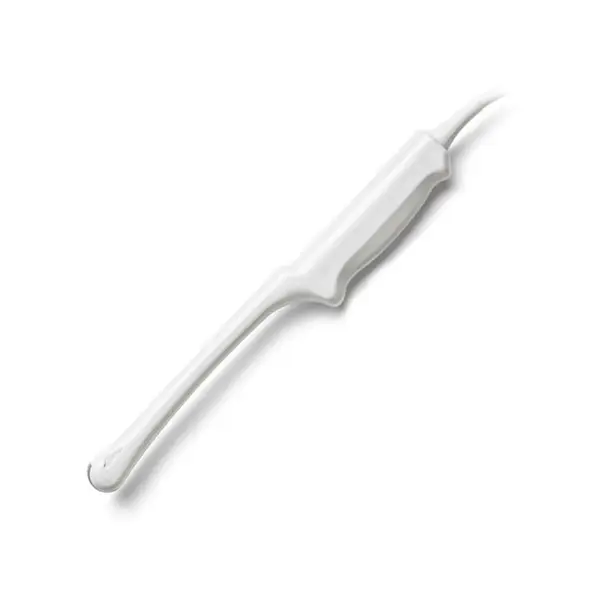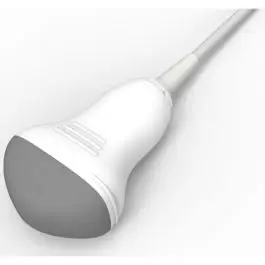
A failing Edan C5-2MQ does not always mean buying a new probe. Use the fault table below to match what you are seeing on screen to a likely cause, then check what a repair assessment would need.
| Manufacturer | Edan |
|---|---|
| Model | C5-2MQ |
| Probe type | 3D/4D Volume array |
| Frequency reference | 2–5 MHz |
| Compatible systems | Edan Acclarix AX4, Edan Acclarix AX7 |
| Source record | The Ultrasound Source product record |
You will usually see the C5-2MQ running on Edan Acclarix AX4, Edan Acclarix AX7. Mention the console model with the fault description – connector and revision differences matter.
Volume probes like the C5-2MQ add a mechanical drive and fluid chamber on top of the usual acoustic stack – motor wear and drive faults join the standard failure list.
Common failure modes for the C5-2MQ
Match what you are seeing against the table below. The right-hand column reflects how faults of this kind typically assess – the actual verdict always depends on the individual probe.
| What you see | Likely cause | Typically repairable? |
|---|---|---|
| Visible nicks, grooves or staining on the lens surface | Mechanical wear or disinfectant damage to the lens | Usually repairable |
| Connector lock broken or hardware missing | Broken locking mechanics on the connector housing | Usually repairable |
| Whole regions of the image blank across the array width | Extensive element loss across the acoustic stack | Usually not economical |
| Bubbles or lifting at the lens face | Lens delamination from the acoustic stack | Usually repairable |
| Outer cable sheath showing cracks, kinks or staining | Jacket wear; conductors may still be intact underneath | Usually repairable |
| Fuzzy or noisy image that cleaning does not fix | Lens wear or early element degradation | Case by case |
| Cracked or dented housing | A drop or knock; housings are routinely replaced or resealed | Usually repairable |
| Grinding noise or vibration during volume sweeps | Worn mechanical drive in the volume head | Case by case |
| 4D acquisition stops mid-sweep | Motor or drive electronics fault | Case by case |
Check these before you ship the probe
- Examine the connector for bent or corroded pins, cracks and a working locking mechanism.
- Photograph the complete manufacturer label – the exact revision matters for parts compatibility.
- Inspect the lens face under good light for cuts, bubbles, lifting edges or discoloration.
- Flex the cable gently along its length while imaging – intermittent dropout points to broken conductors.
- Run the system’s built-in probe test or element check if your console provides one.
Repair, exchange or replace — which applies to your C5-2MQ
For the C5-2MQ, think in terms of damage depth: surface and cable-level faults are usually repairable at a fraction of replacement cost; acoustic stack failures are evaluated case by case; extensive element loss generally means replacement. Send the symptoms and photos first – that determines the path before anything ships.
What we need to quote your C5-2MQ repair
- A clear photo of the complete manufacturer and model label on the probe
- A description of the fault: what you see on screen and when it started
- The ultrasound system (console) the probe is used with
- Screenshots or photos of the image problem, if the fault is visual
- Photos of any physical damage – lens, housing, cable or connector
Images shown are representative and are not photographs of an individual unit. Nothing on this page claims OEM authorization or guarantees universal fit. Whether a specific C5-2MQ can be repaired, and on what terms, is confirmed in writing once the probe has been assessed.